A keyboard-first note app for messy, branching, real-world thinking. Open it in your browser.
Give the demo a try below
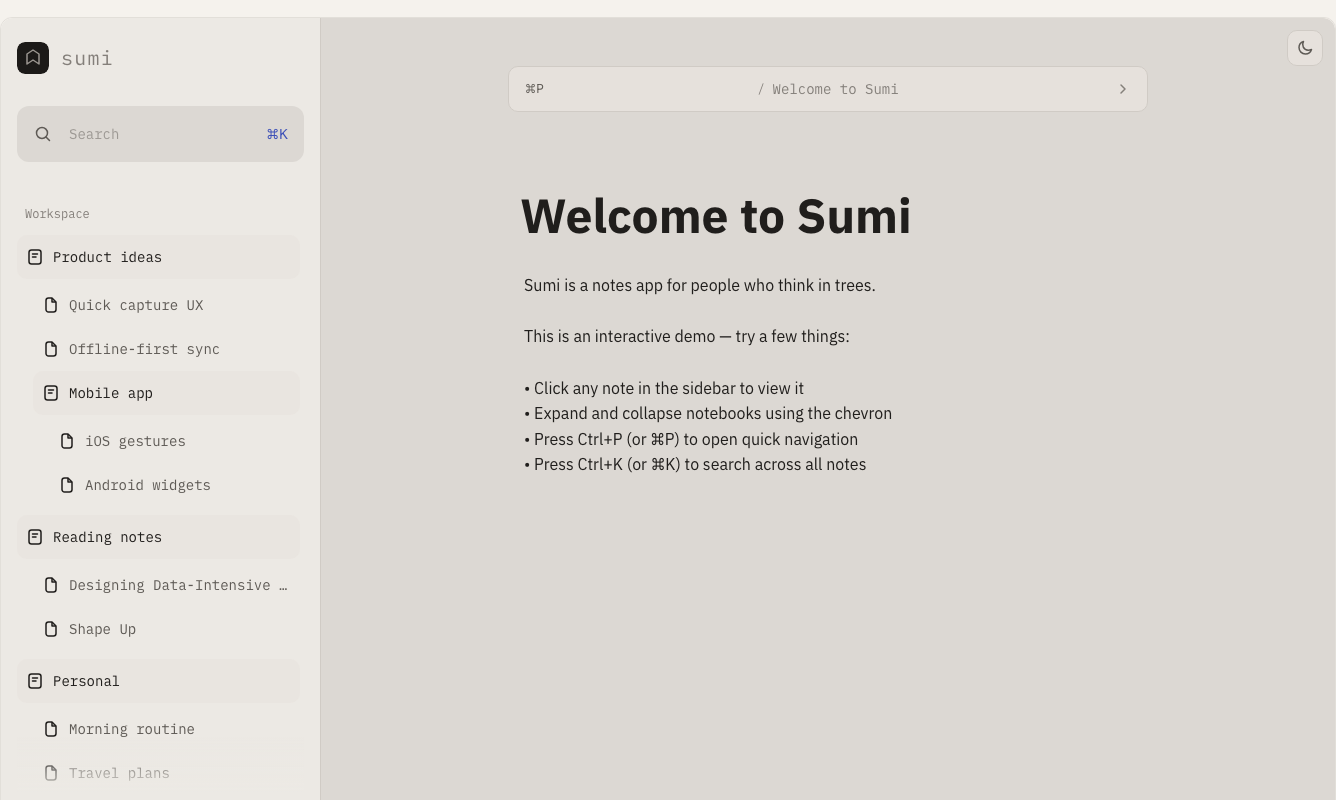
Sumi is a notes app for people who think in trees. This is an interactive demo — try a few things: • Click any note in the sidebar to view it • Expand and collapse notebooks using the chevron • Press Ctrl+P (or ⌘P) to open quick navigation • Press Ctrl+K (or ⌘K) to search across all notes
The hardest part of taking notes isn't writing them down. It's finding your way back to the right one before the thought disappears. Sumi makes that part easy.
Quick navigation
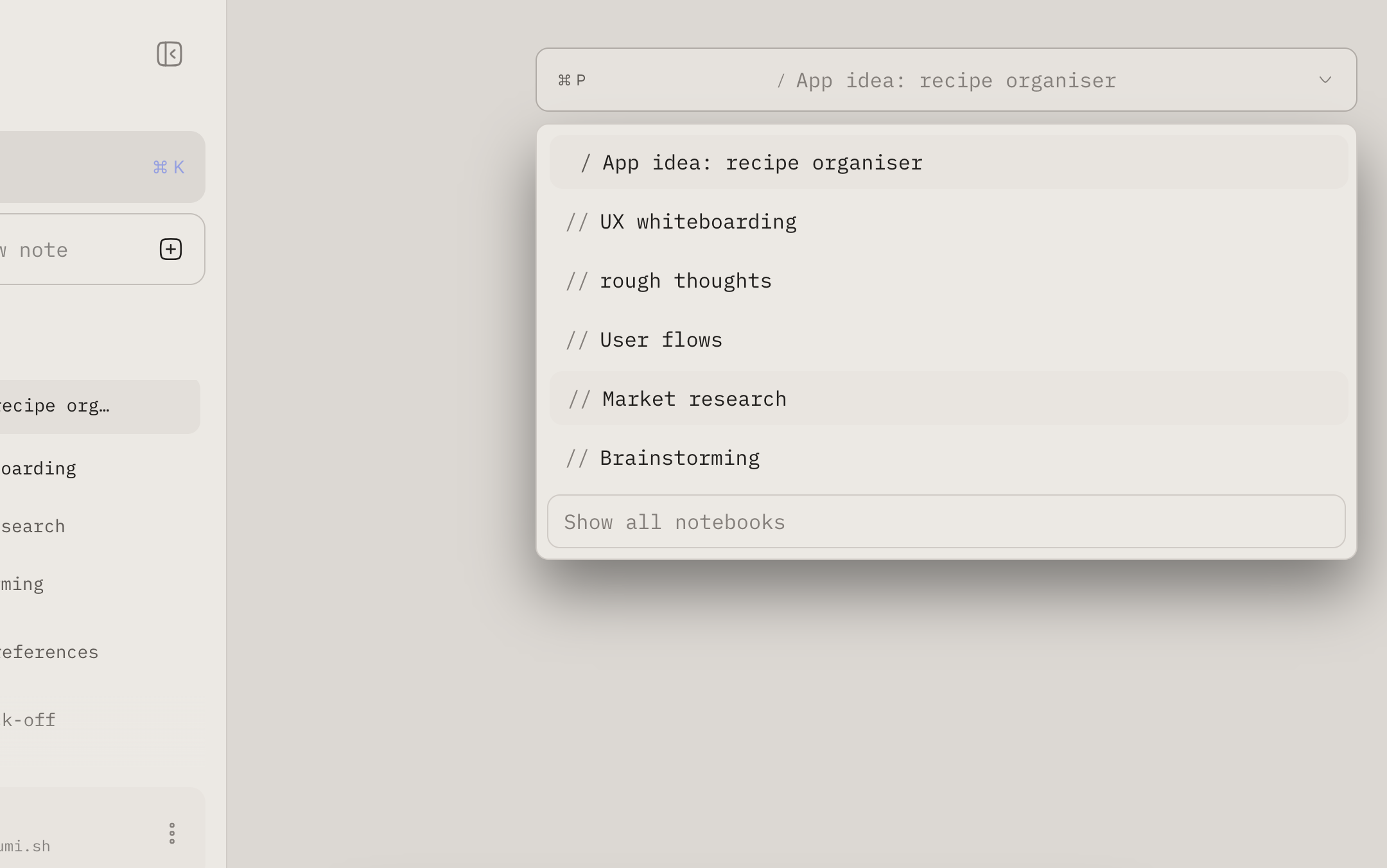
Jump anywhere in two keystrokes. Open the navigator with ⌘P and find any note before you finish typing it. No menus, no scrolling, no losing your place.
Keyboard shortcuts
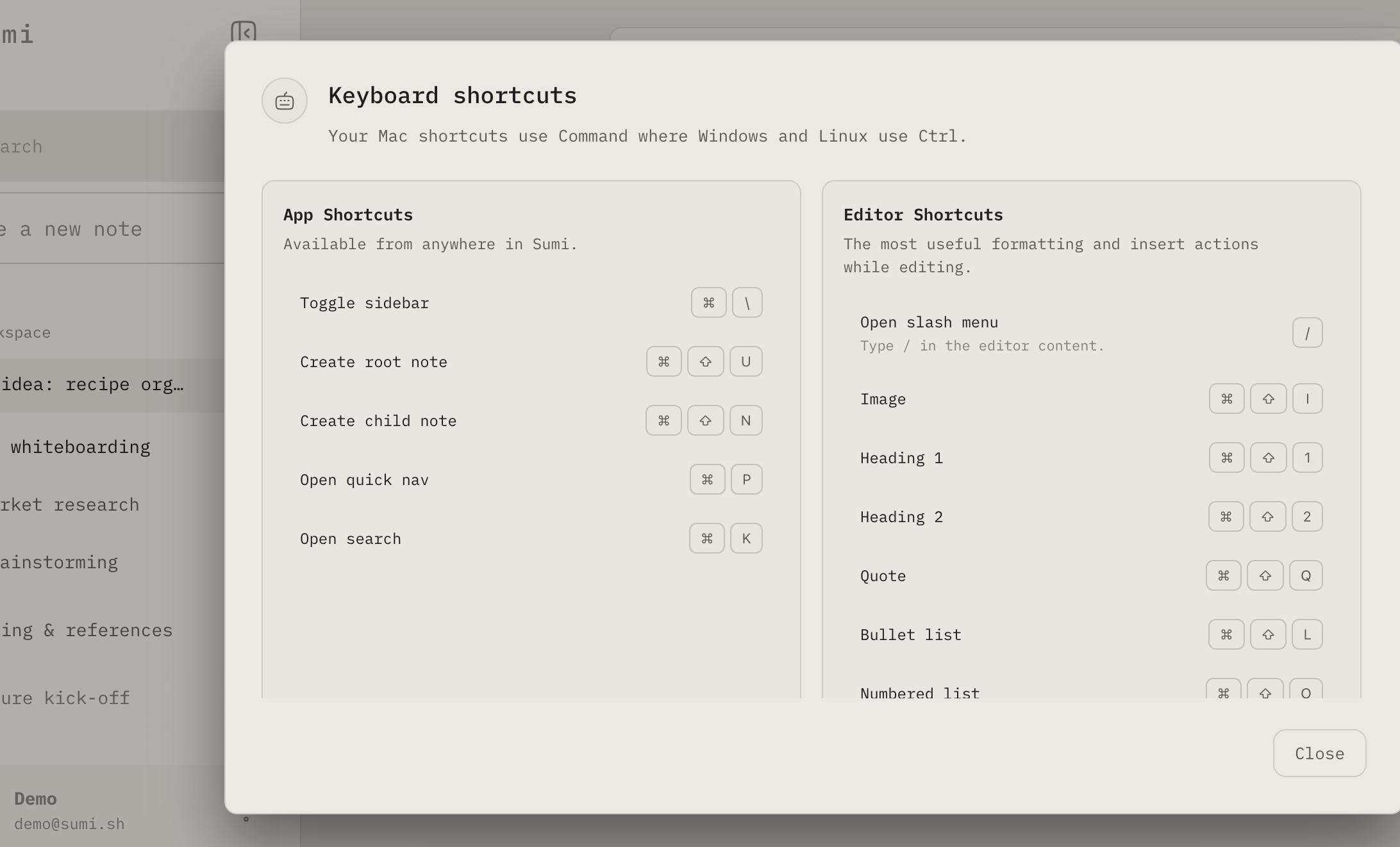
Every action has a shortcut. From creating a note to formatting a line, everything in Sumi is one keystroke away. Hands stay on the keys, thoughts stay on the page.
Slash commands
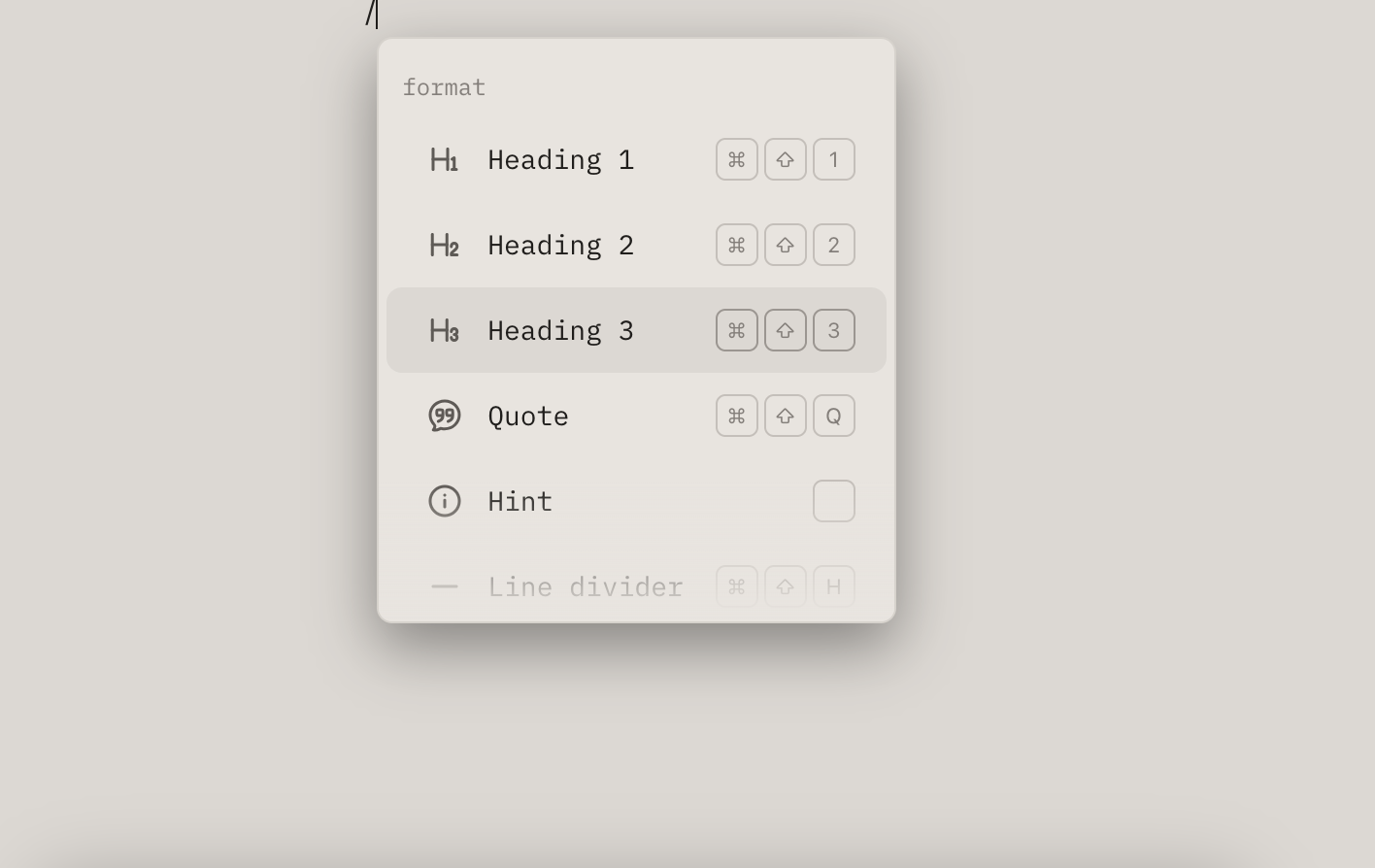
Slash to do anything. Type / anywhere in a note to insert, format, or transform — without ever reaching for a toolbar.


Quick navigation
Jump anywhere in two keystrokes. Open the navigator with ⌘P and find any note before you finish typing it. No menus, no scrolling, no losing your place.
Keyboard shortcuts
Every action has a shortcut. From creating a note to formatting a line, everything in Sumi is one keystroke away. Hands stay on the keys, thoughts stay on the page.
Slash commands
Slash to do anything. Type / anywhere in a note to insert, format, or transform — without ever reaching for a toolbar.
From the founder
Notes are inherently messy, and they should be. It's how ideas are formed, half-formed ideas colliding, leading you to answers you weren't looking for. Most note apps fight that. Sumi doesn't.
It's keyboard-first, quietly designed, and built solo. Early and messy, but exactly what I need when I'm noting. If that sounds familiar, I'd love for you to try it.
Alex Phelan
Founder, Sumi